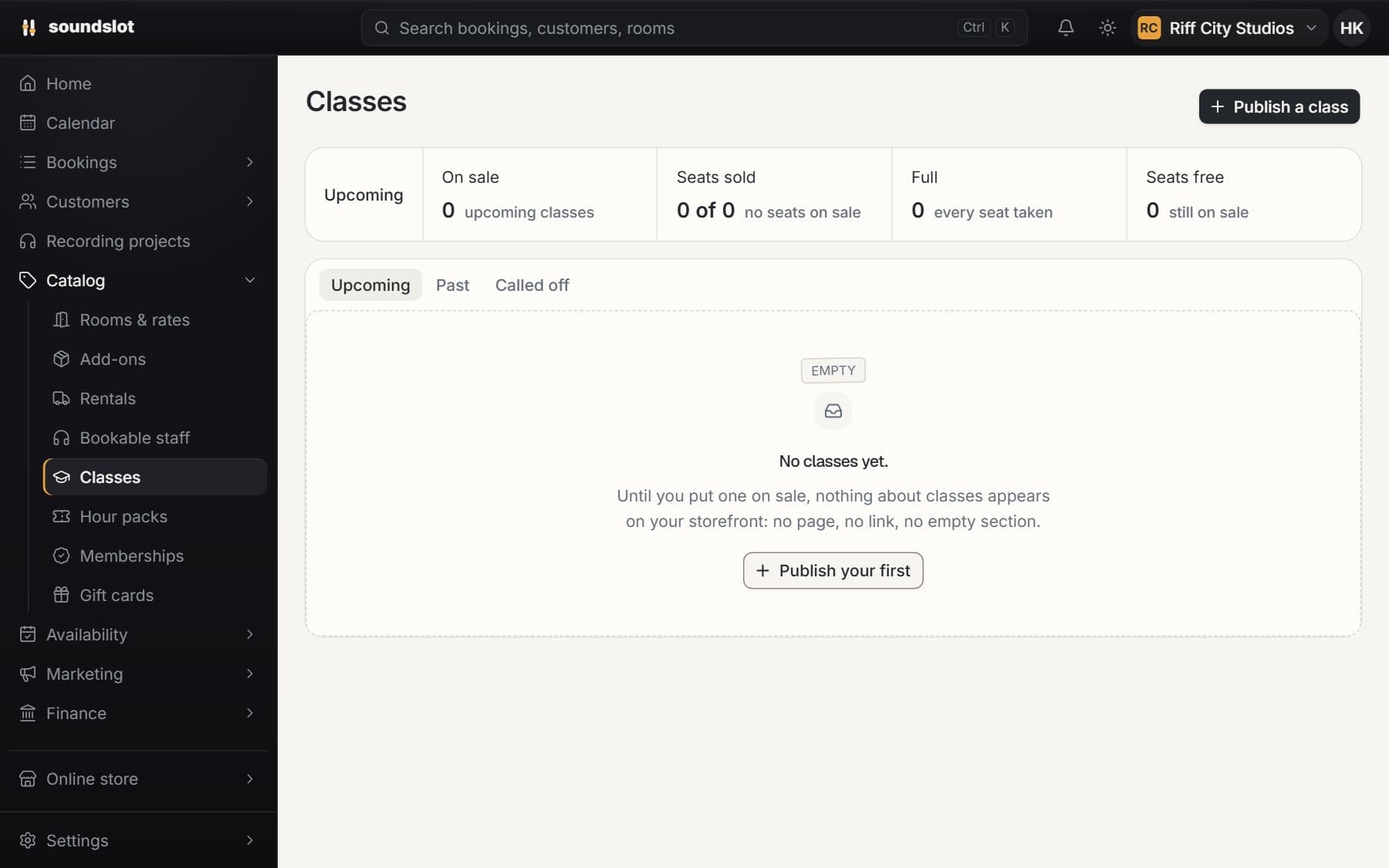
Classes & workshops
Publish a scheduled class with a price per seat and a capacity limit. Reserve the room for the session and sell places through the storefront.
- Class sessions
- Seat bookings
- Session cancellation
Engineers, gear, add-ons, classes, locations and staff logins on the same calendar and the same customer records.
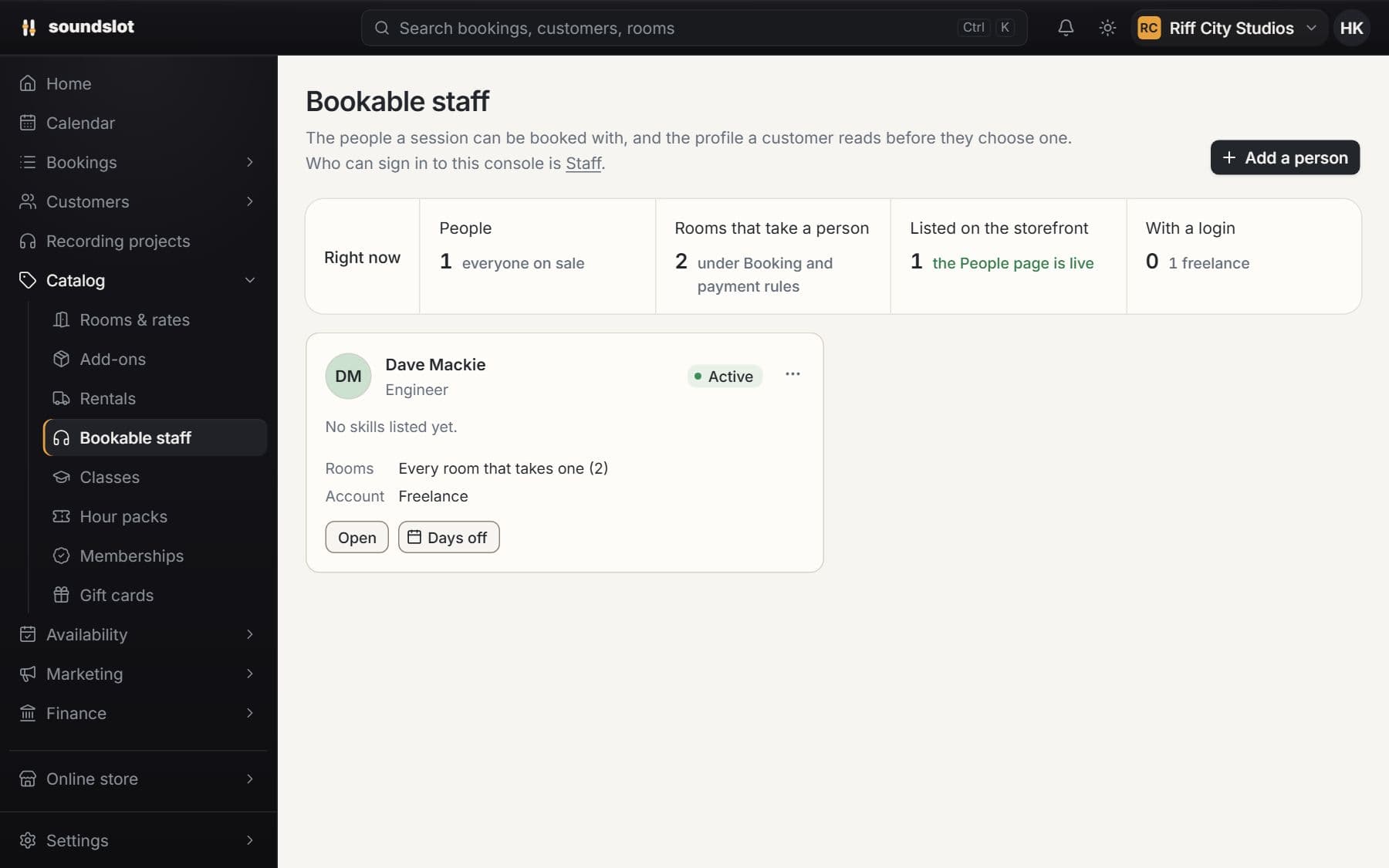
Include an engineer or other staff member in a room booking. Give each person working hours, room assignments and exceptions to their normal schedule.
Add the person under Bookable staff and select the rooms where they work.
Enter their normal week and add exceptions for leave or changed hours.
Select an eligible staff member for the session; Soundslot checks the combined availability.
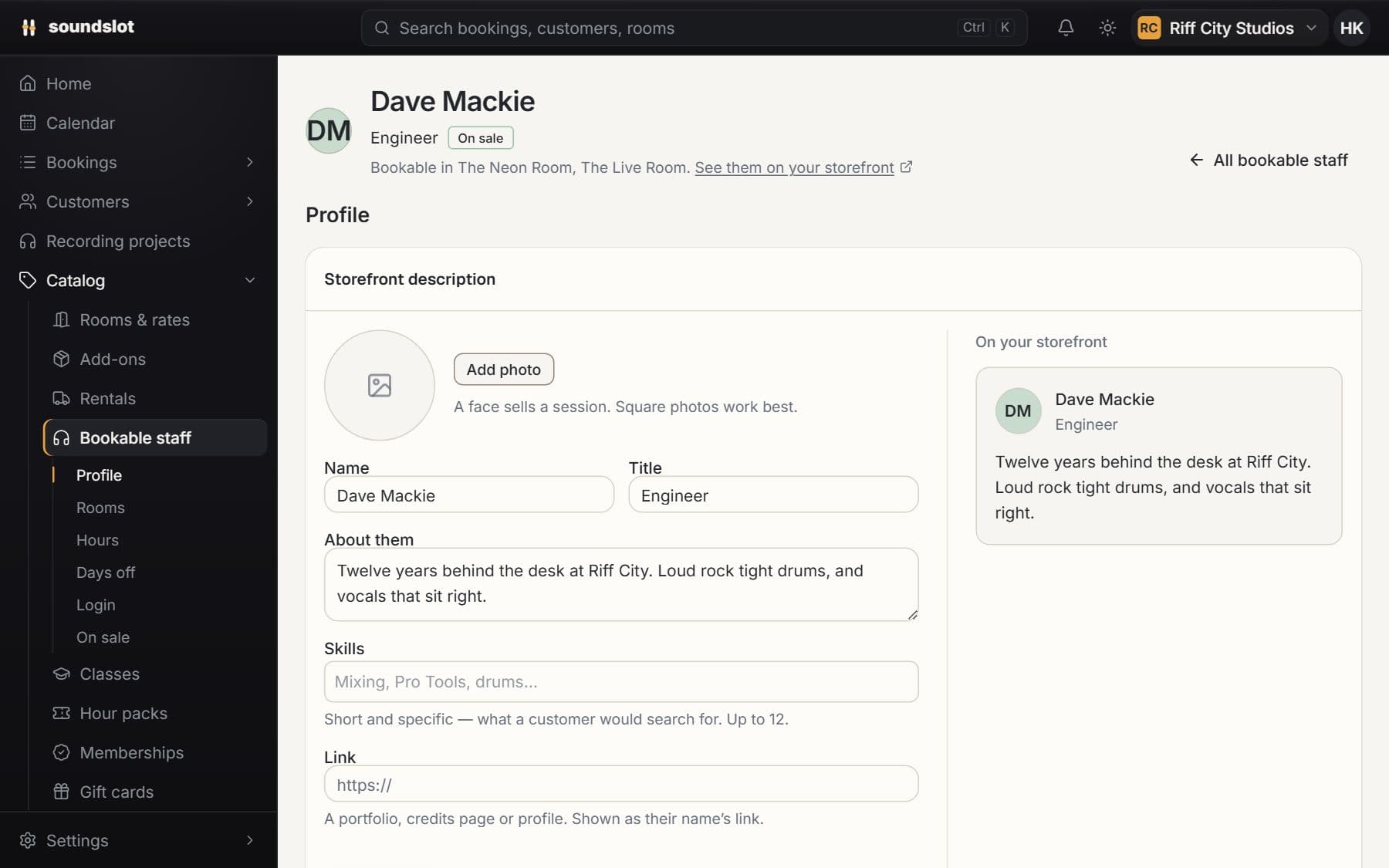
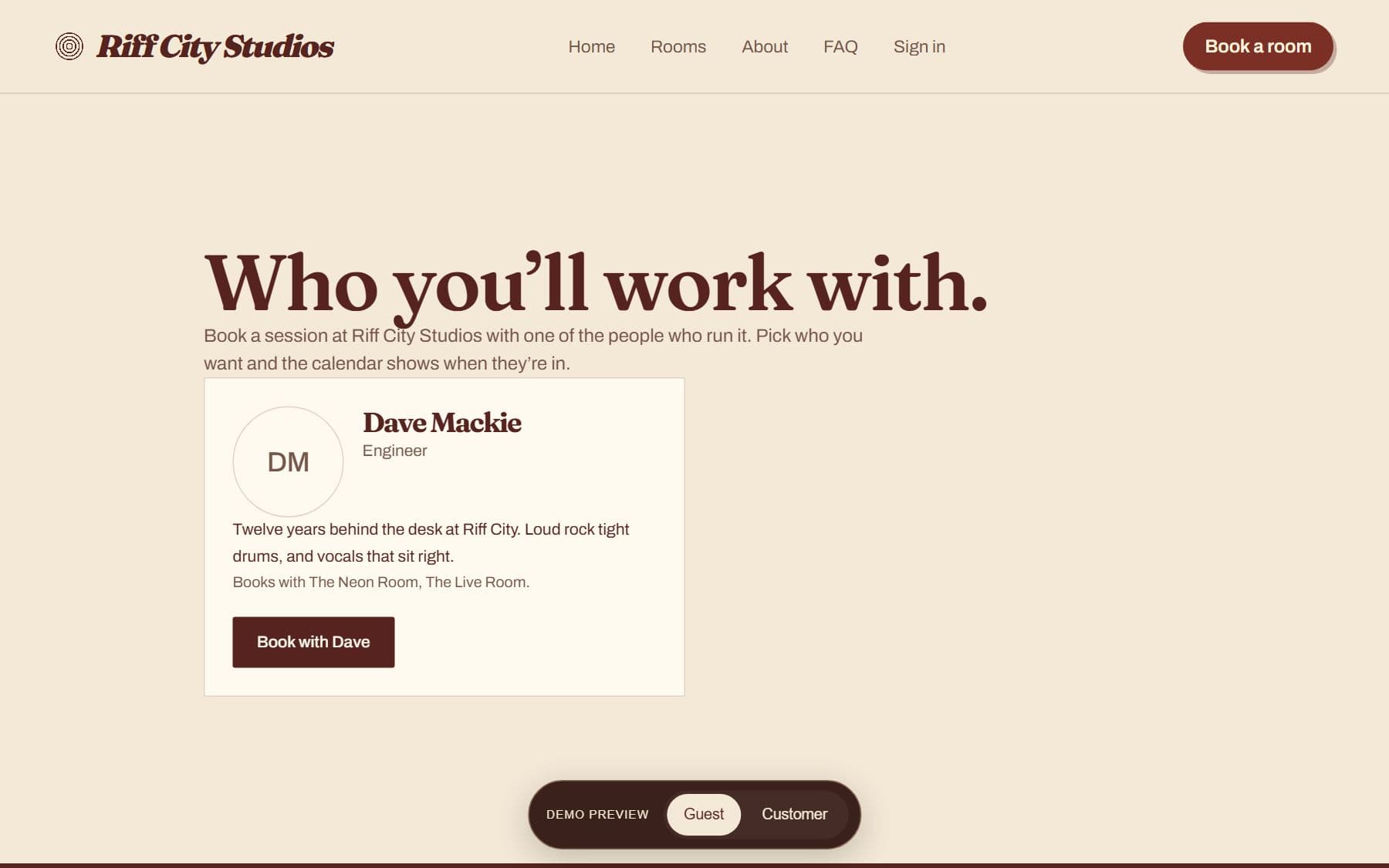
Set the person's public details, photo and the rooms they work in. A bookable profile is separate from a staff login.
Configure a weekly schedule at a location, days off and date-specific changes.
A session with an assigned person must fit both the room's availability and that person's schedule.
This schedules bookable people. It does not calculate payroll, commissions or employment hours. A dashboard login requires a separate staff account.
Compare plansRent equipment independently of a room booking. Set stock quantities, daily prices and deposits, then track reservations, pickup and return.
Enter the item, stock count, daily price and any supported deposit requirement.
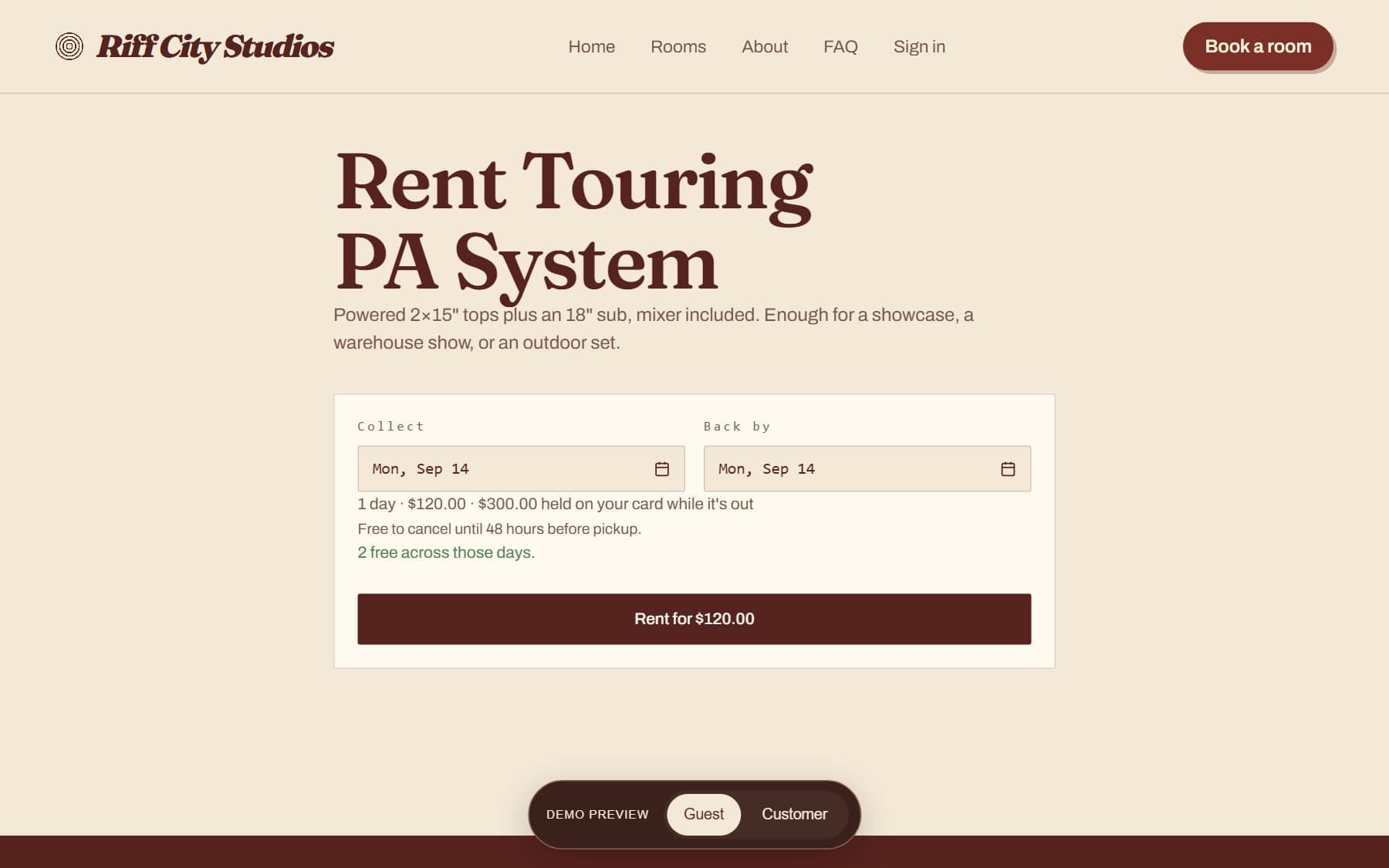
Choose the customer, quantity and pickup and return dates, then take payment through the rental flow.
Mark pickup and return, inspect the equipment and release or capture the applicable deposit.
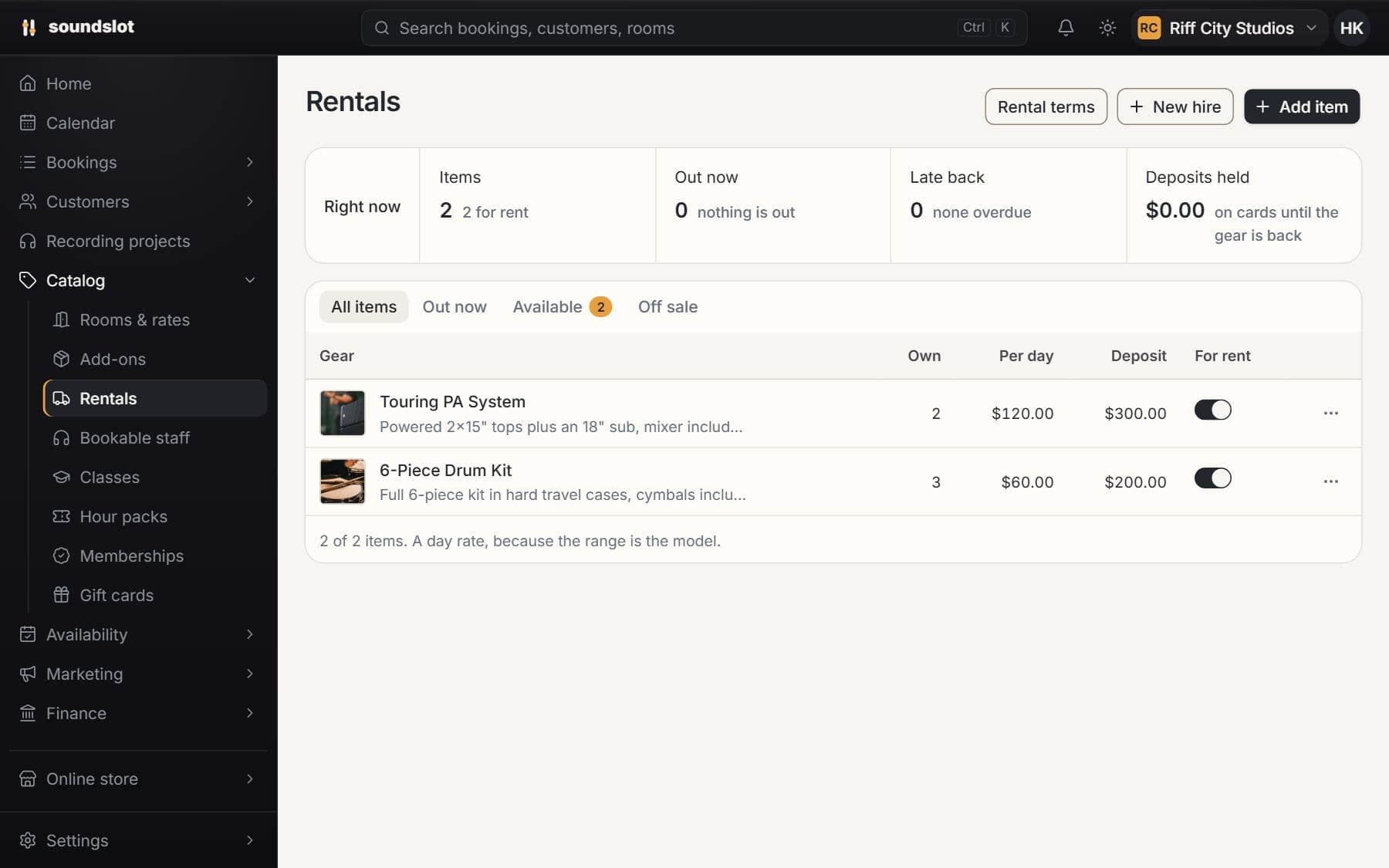
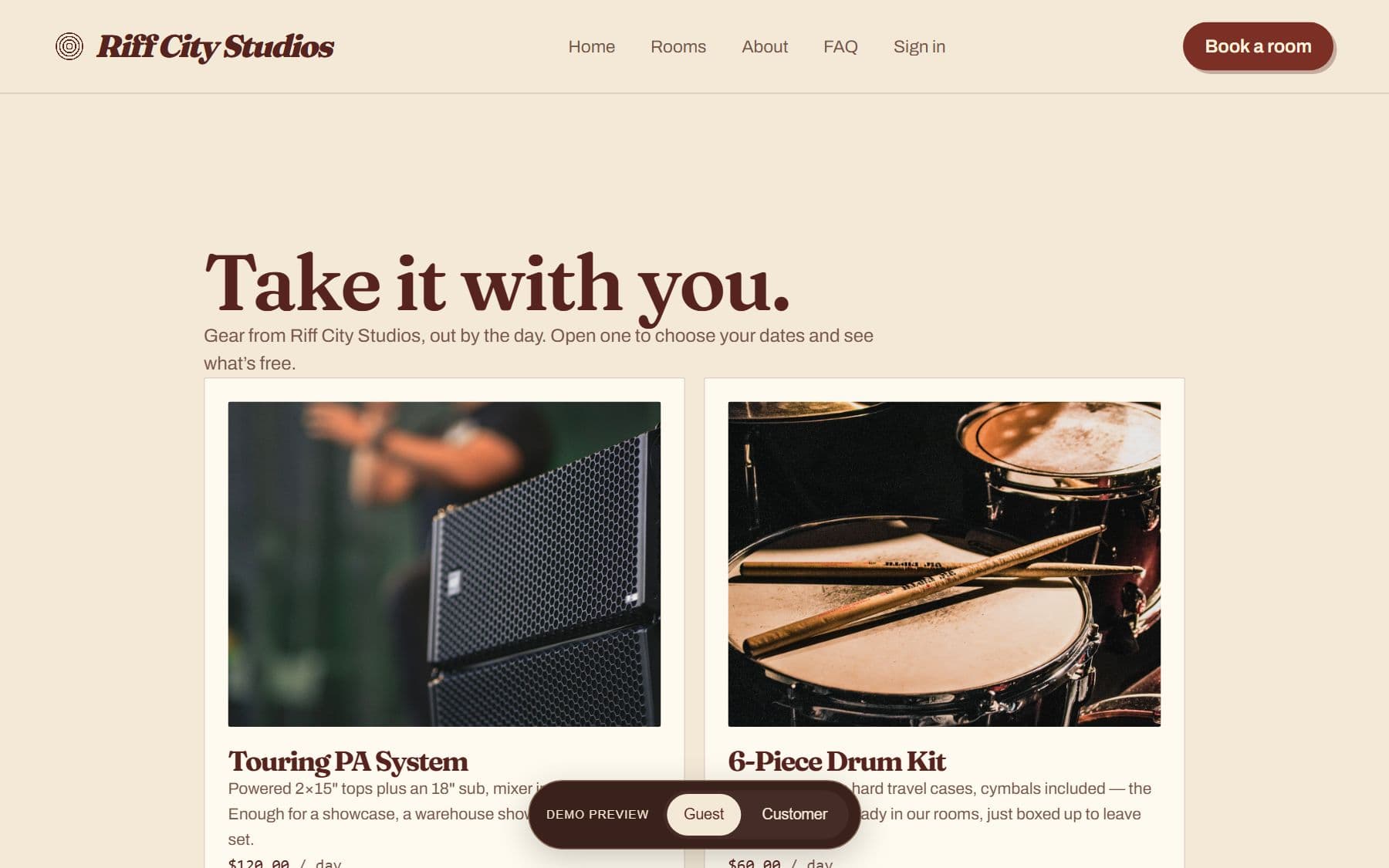
List equipment with photos, location, available quantity and a daily rate. Activate the items customers may rent.
Reserve units over the rental dates and check stock availability before confirming a hire.
Track equipment out of the building, overdue returns and deposit handling when it comes back.
Deposit-backed rentals have duration limits tied to payment authorization. Equipment included in a room should be listed on that room; equipment sold with a session belongs in Add-ons.
Compare plansOffer extras with a room booking, such as a drum kit or additional equipment. Keep each selected extra itemized with the session price.
Enter the item and its price in the Add-ons catalog.
Customers choose the relevant extras with their room and session time.
Staff see the selected equipment on the booking and can include it in session preparation.
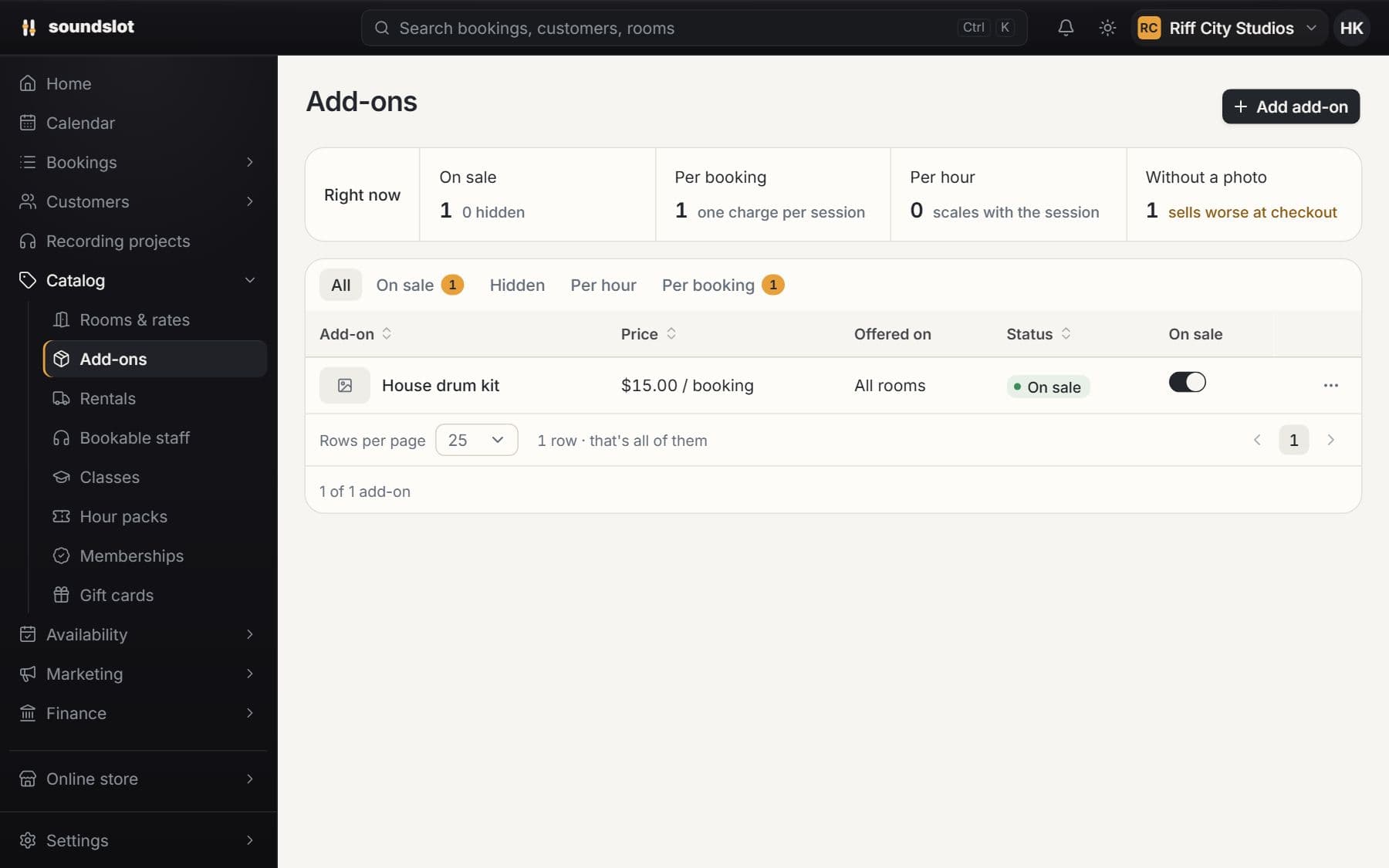
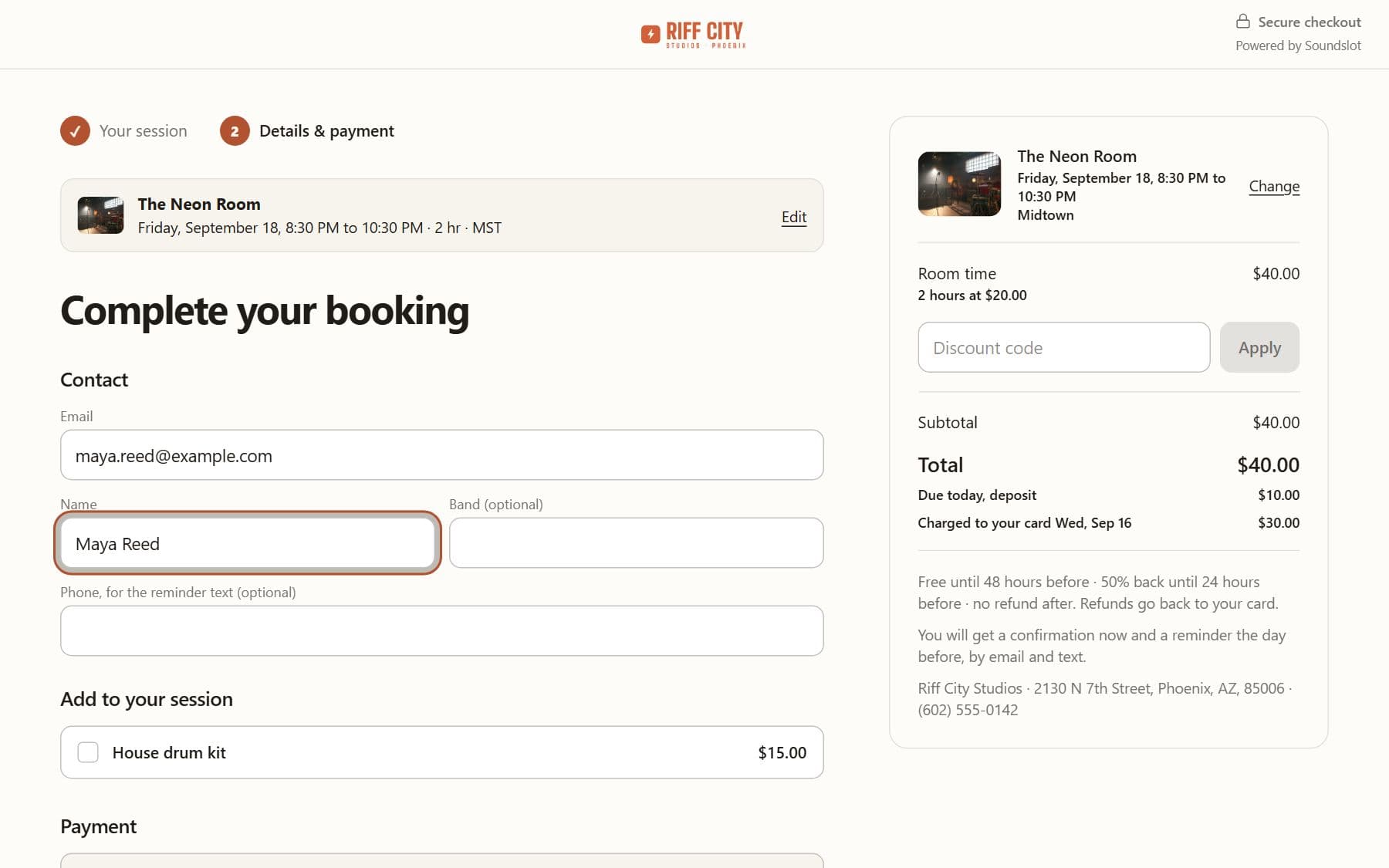
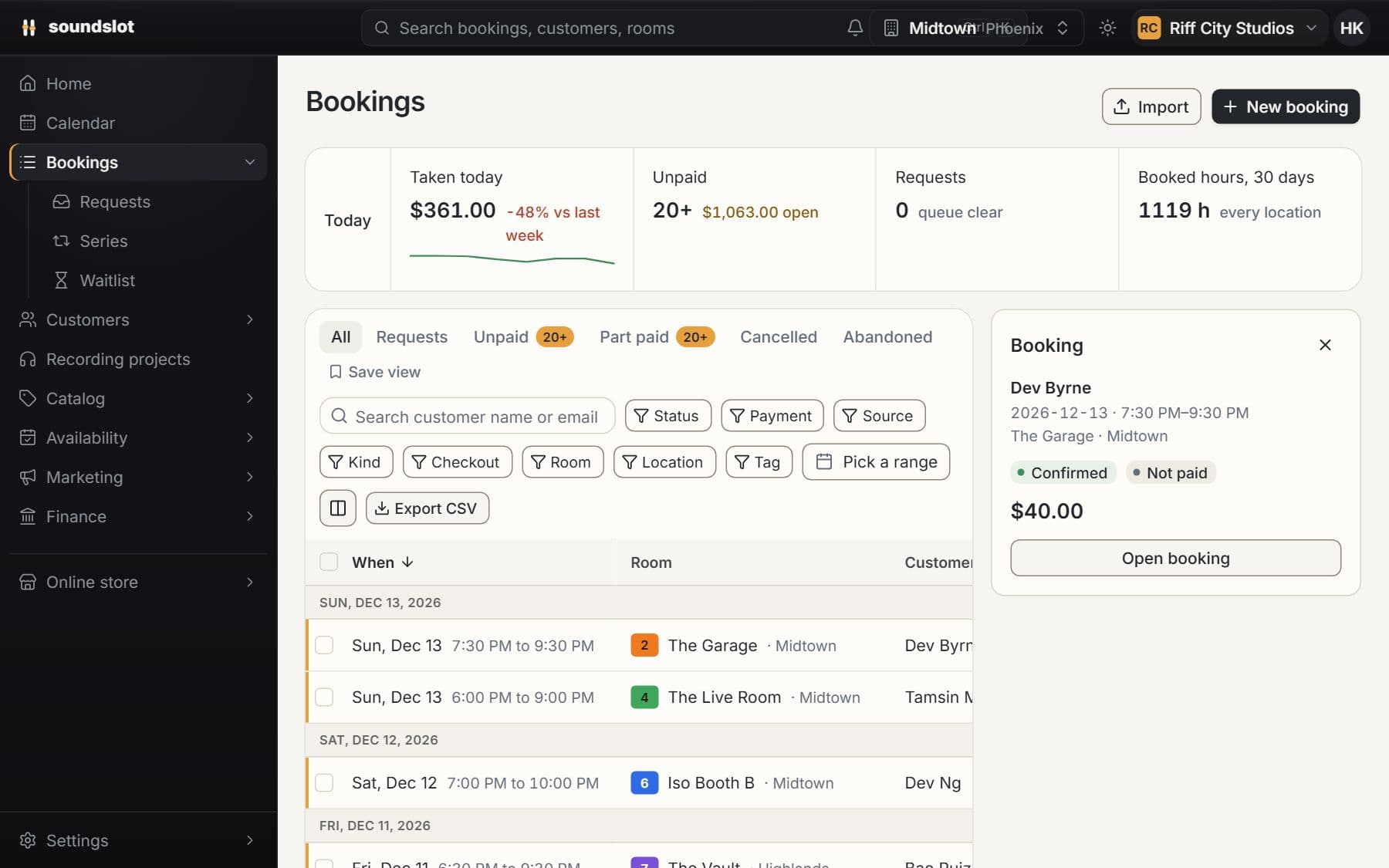
Create the extra items a customer can choose when booking and set their pricing.
Selected extras become part of the booking's itemized quote and payment record.
Inspect and manage the booking's equipment lines alongside its room time and payment balance.
An add-on is attached to a session. Use Equipment rental for gear hired independently over a range of dates, with pickup and return tracking.
Compare plansPublish a scheduled class with a price per seat and a capacity limit. Reserve the room for the session and sell places through the storefront.
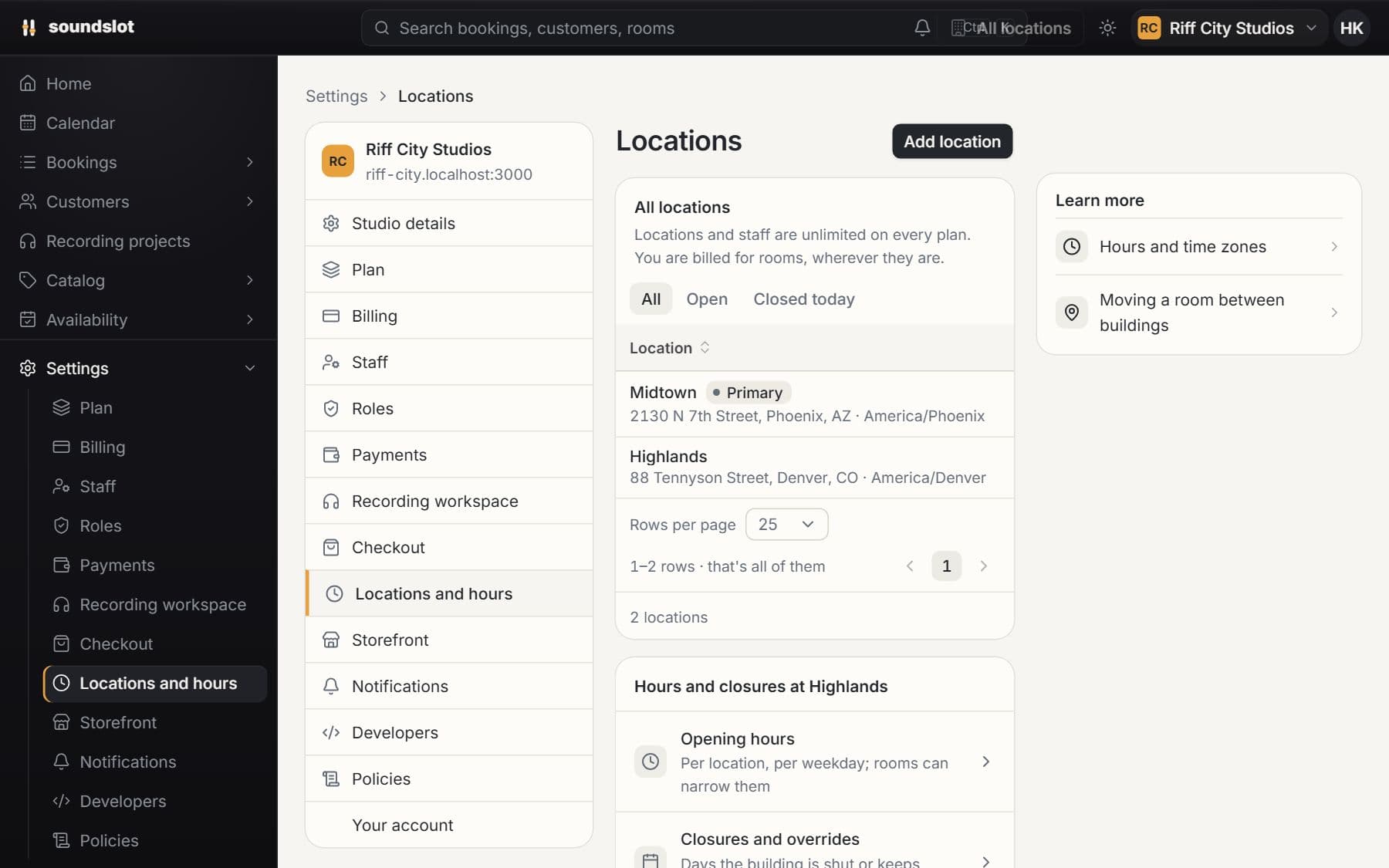
Manage several buildings from one studio organization. Keep room availability in each location's timezone while sharing customer records and staff access.
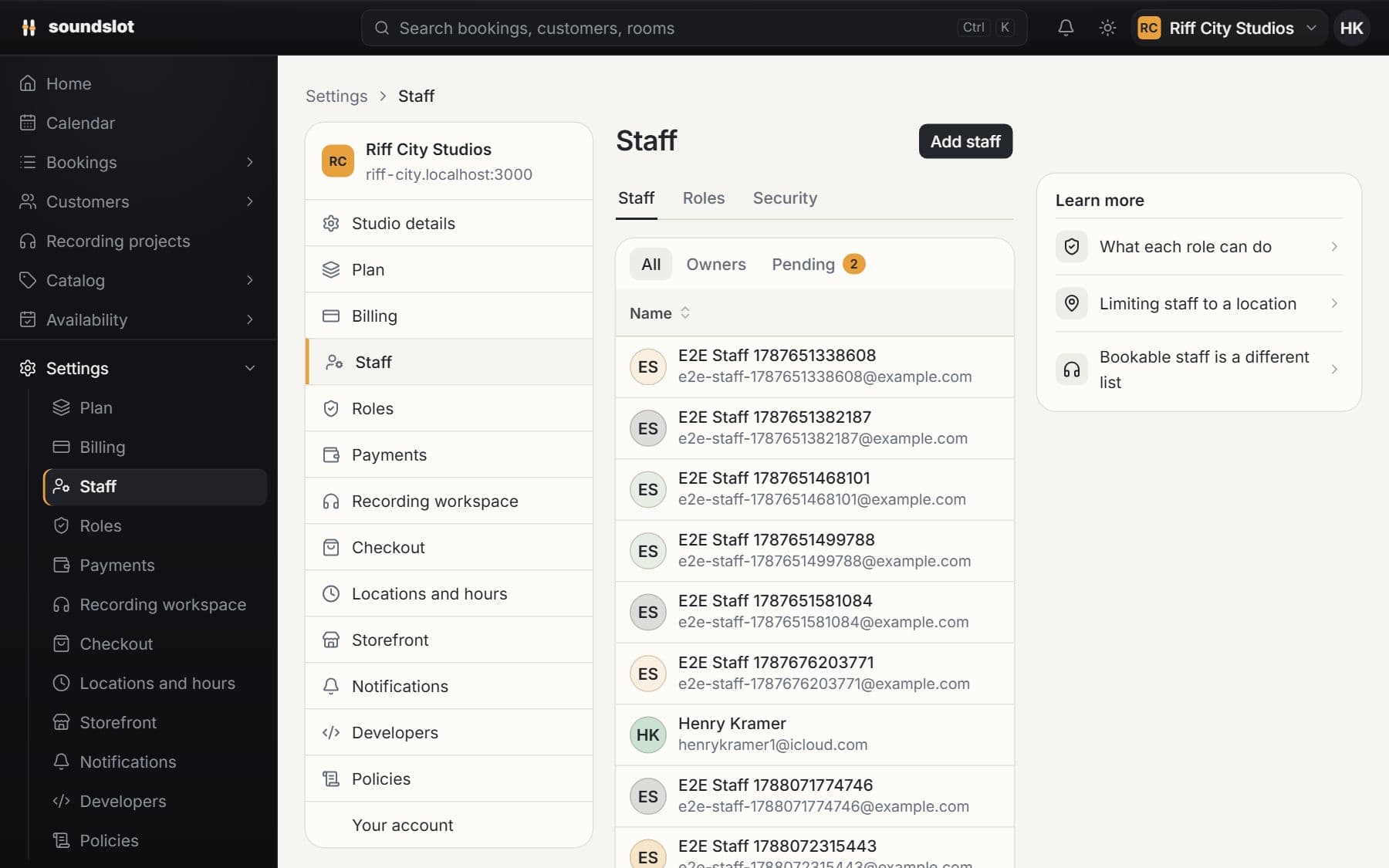
Give each team member an individual login. Assign roles and location access so staff can use the parts of Soundslot required for their work.
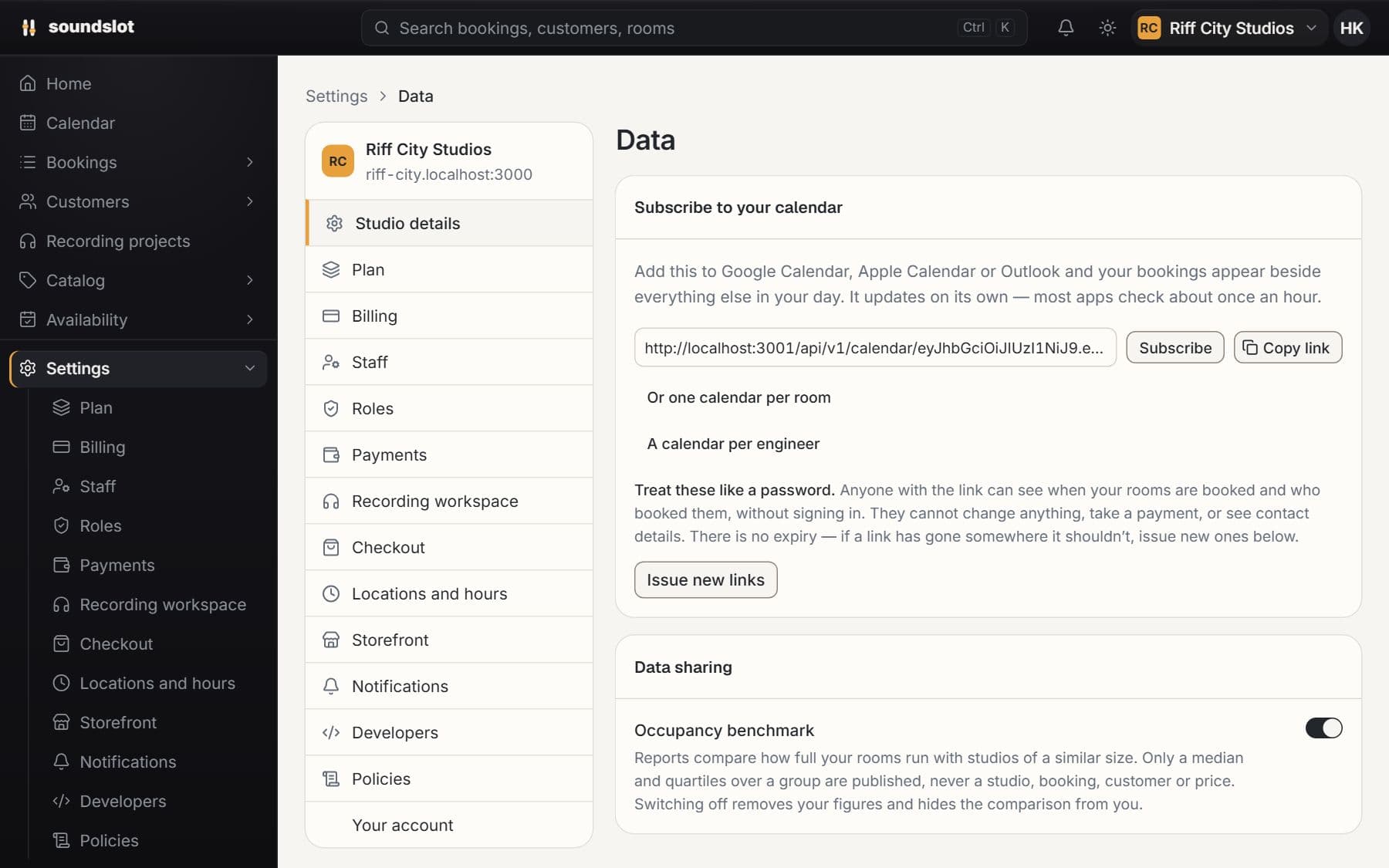
View Soundslot bookings in a calendar app using an iCalendar subscription. Studio, room and customer feeds serve different scheduling needs.
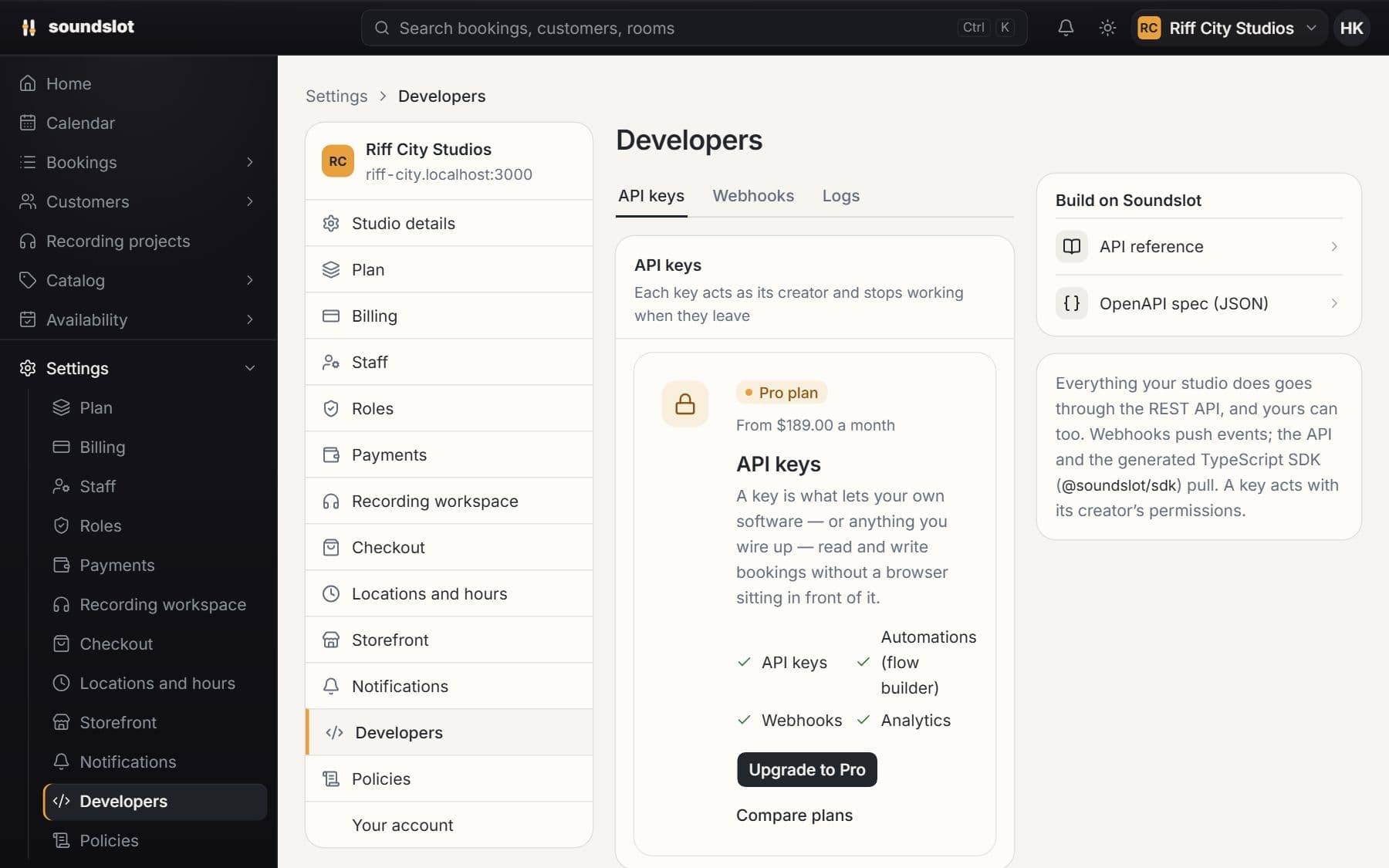
Connect your own software to Soundslot operations. Use authenticated API requests and event webhooks for integrations built around studio activity.
Bring your rooms, rates and questions. We'll walk through the features you'd use.
From $39/mo · 14 days free · card required · nothing charged until day 15