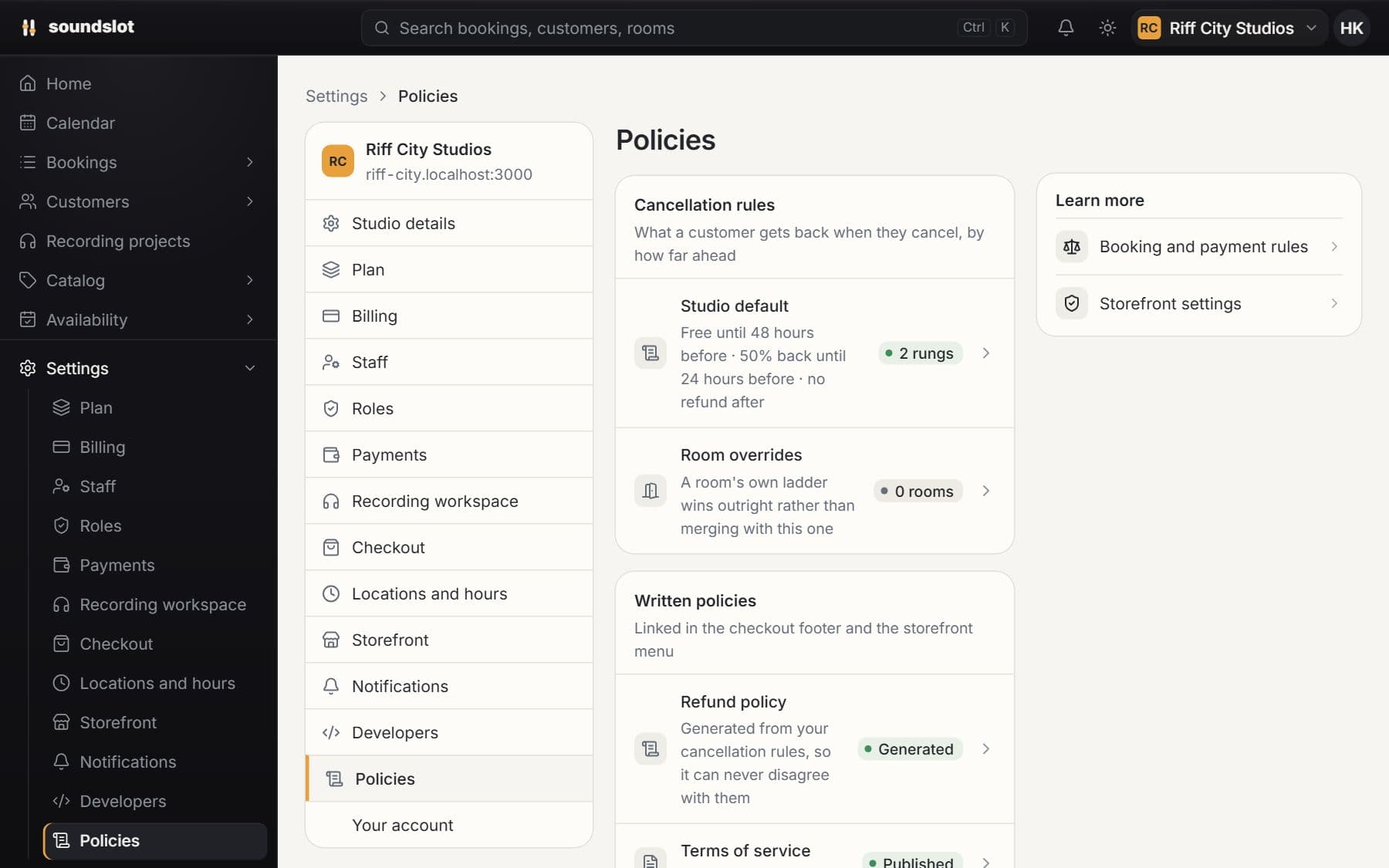
Deposits & cancellation rules
Choose what customers pay at booking and how cancellations are refunded. Set studio defaults and different payment policies for individual rooms.
- Payment arrangements
- Cancellation windows
- Recorded terms
Sell room time from your website and run the desk from one calendar. Rates, weekly regulars, deposits and approvals sit on the same booking.
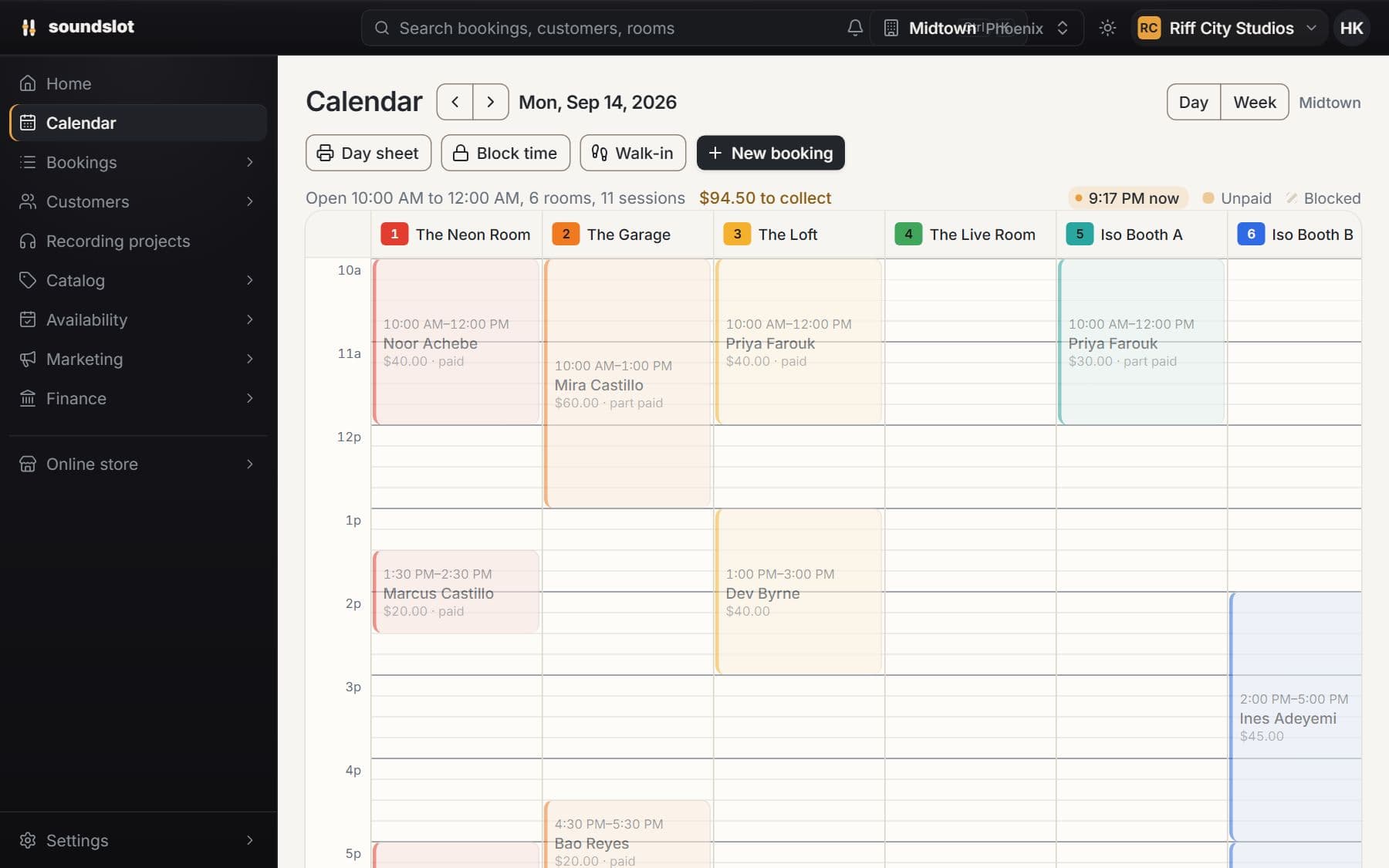
Create, move and extend room bookings on a shared calendar. Open a session to see its customer, payment status, equipment and notes.
Select a free period on the calendar and choose the customer and activity.
Check the duration, price, equipment and payment arrangement before saving.
Open the booking to collect a balance, update details, extend the session or cancel it.
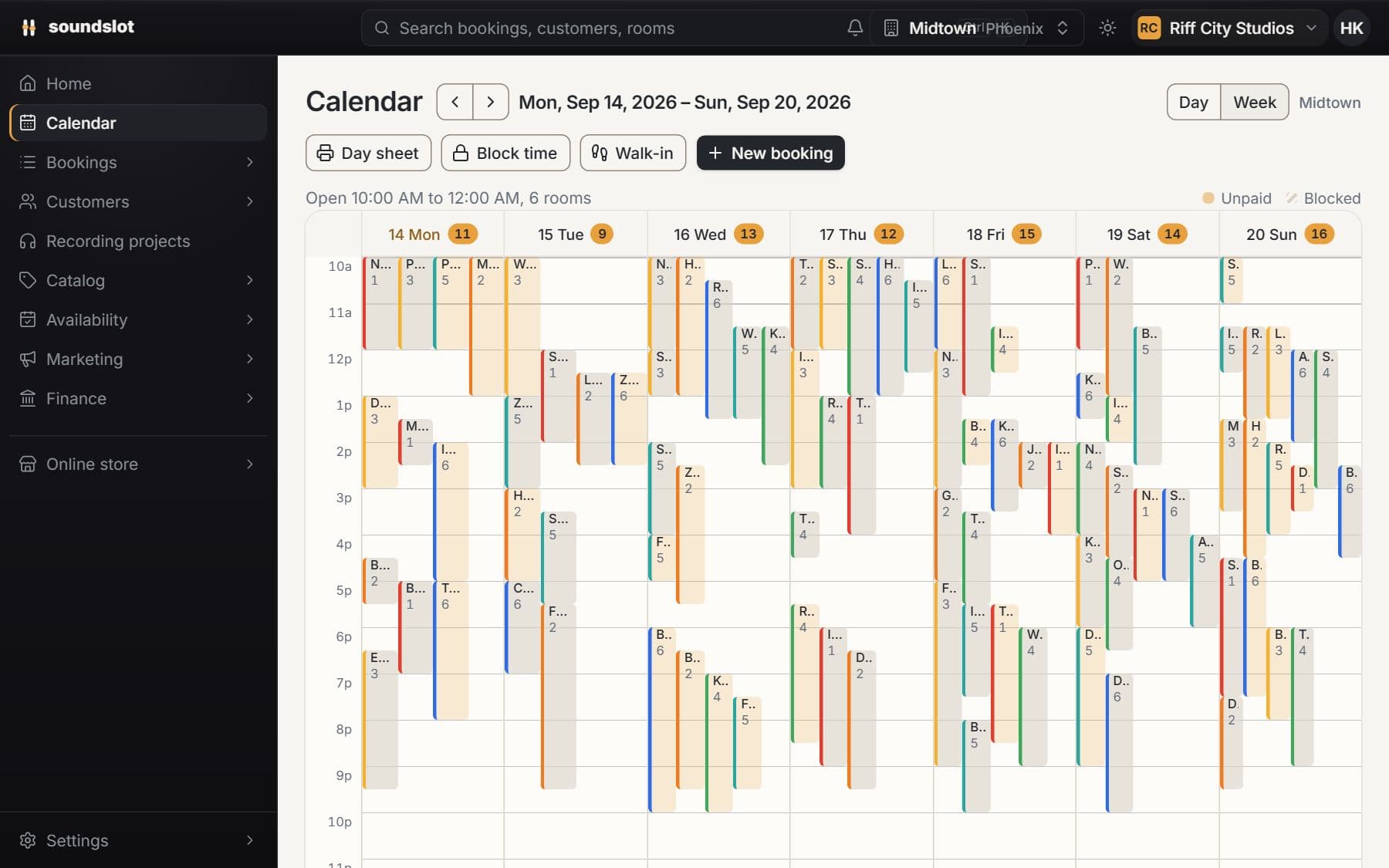
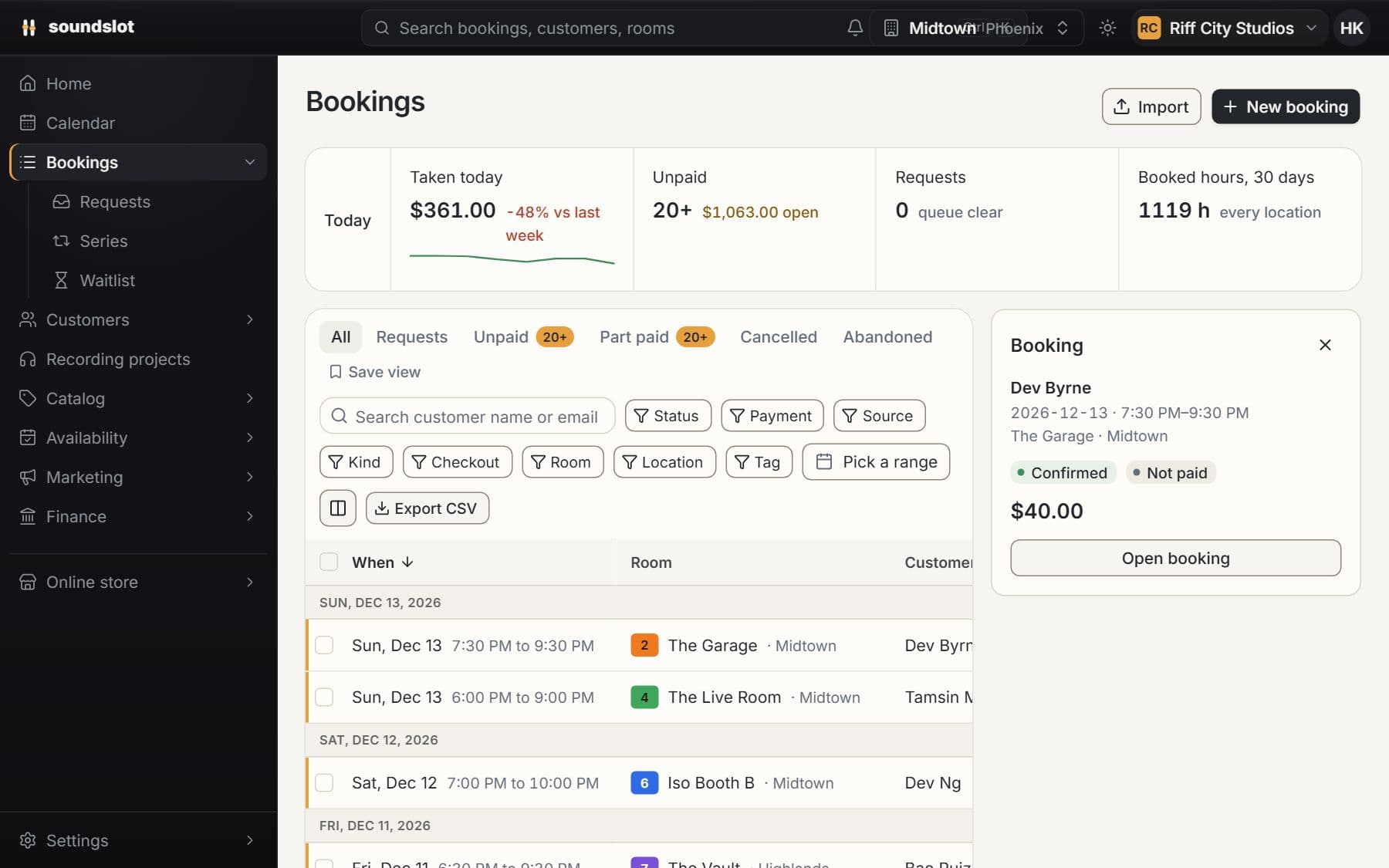
See bookings against the rooms at your selected location. Opening hours, closures and existing bookings determine which times can be sold.
Keep the customer, room, activity, assigned staff, add-ons and payment record together. Search and filter the booking list when you need a particular session.
Move a booking or extend its end time. Soundslot checks availability and recalculates the price for the changed session.
Staff need the corresponding booking permissions. Changing a booking is subject to room and staff availability; a calendar edit does not bypass a conflicting reservation.
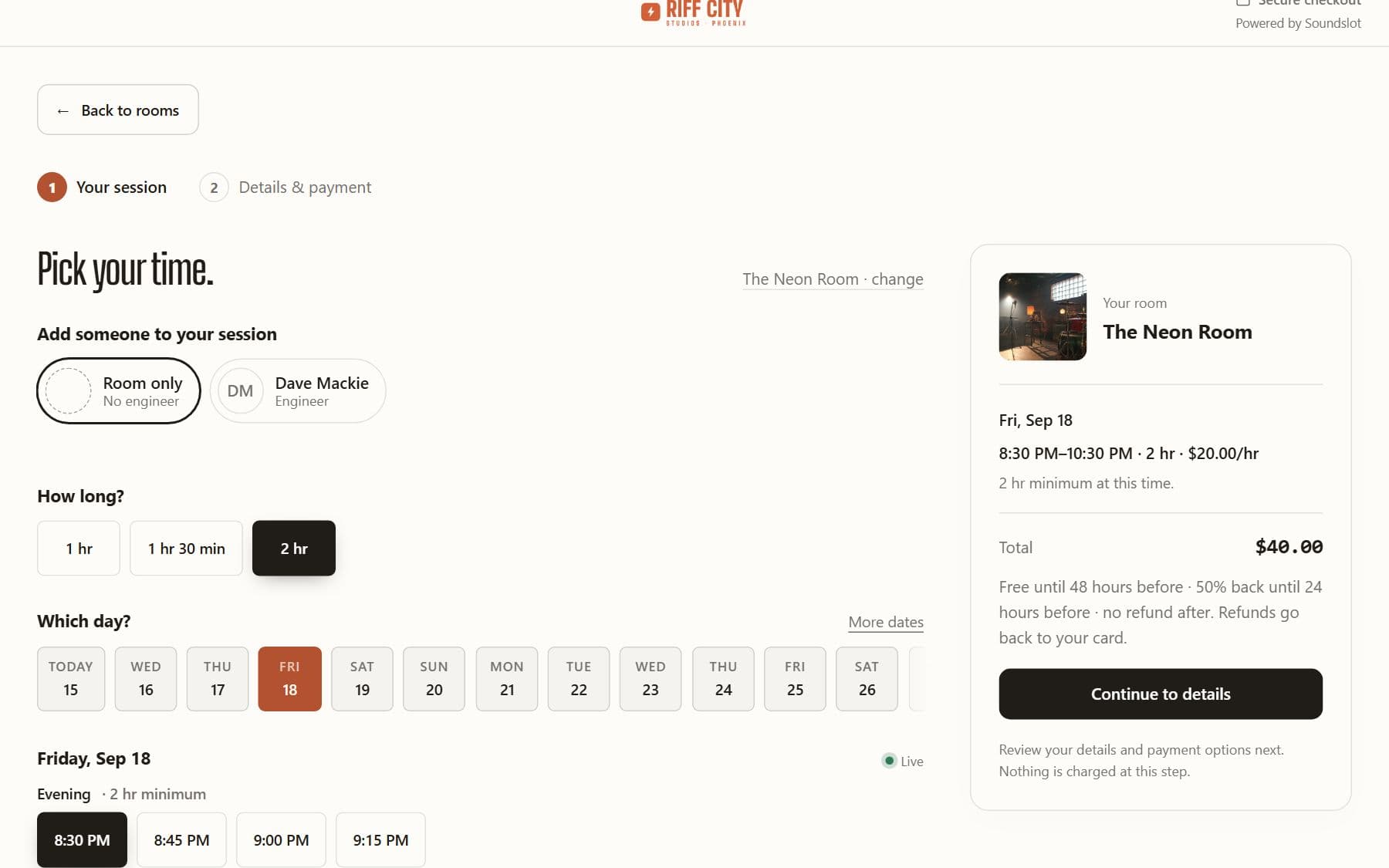
Compare plansSet opening hours, room prices, peak periods and booking rules. Customers see available times and a price calculated for their chosen session.
Enter the room details, location, photos, equipment and activities you sell.
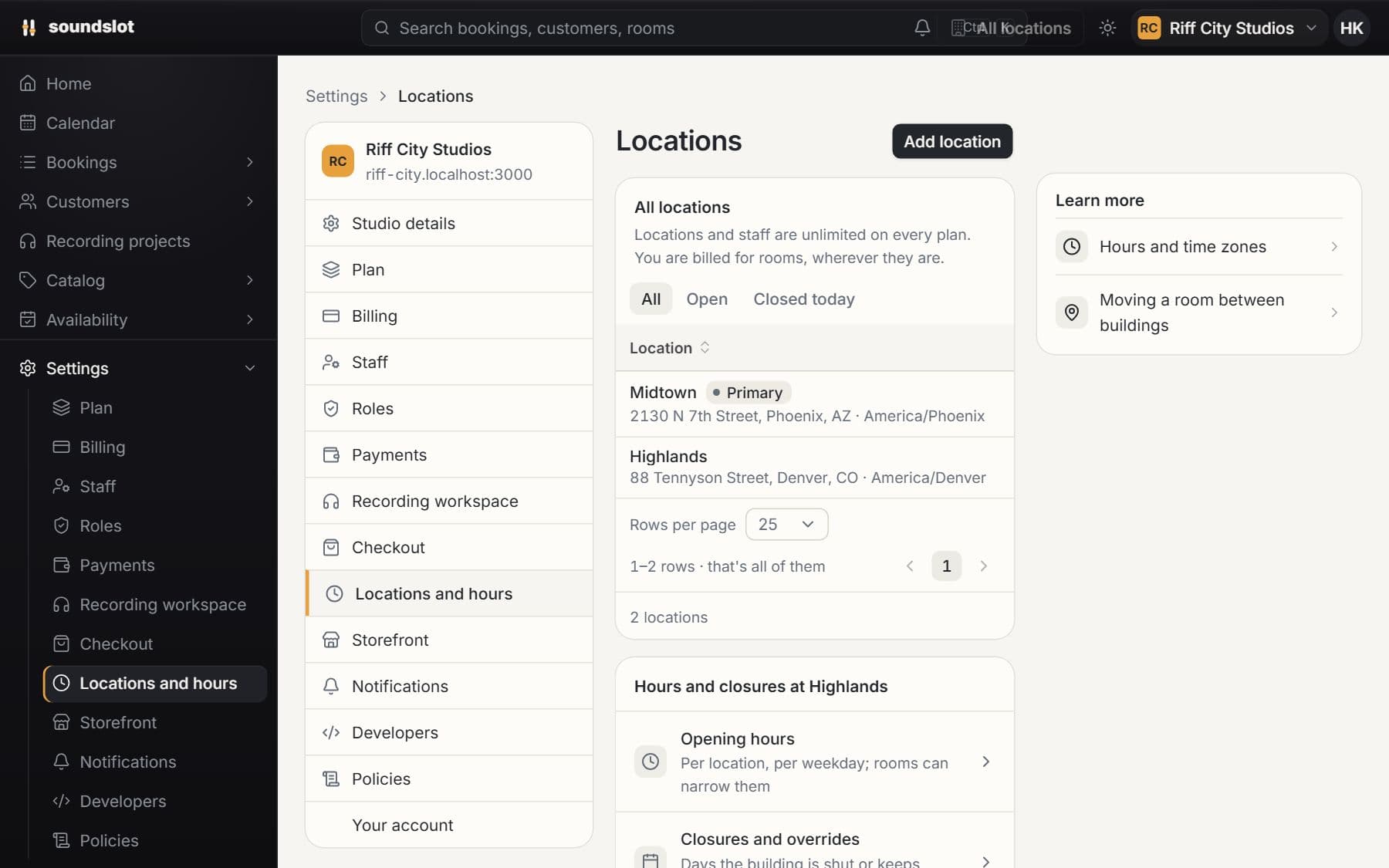
Configure rate plans and the location's opening hours, then add room-specific rules or closures.
Choose a date, activity and duration on the storefront to verify the available times and total.
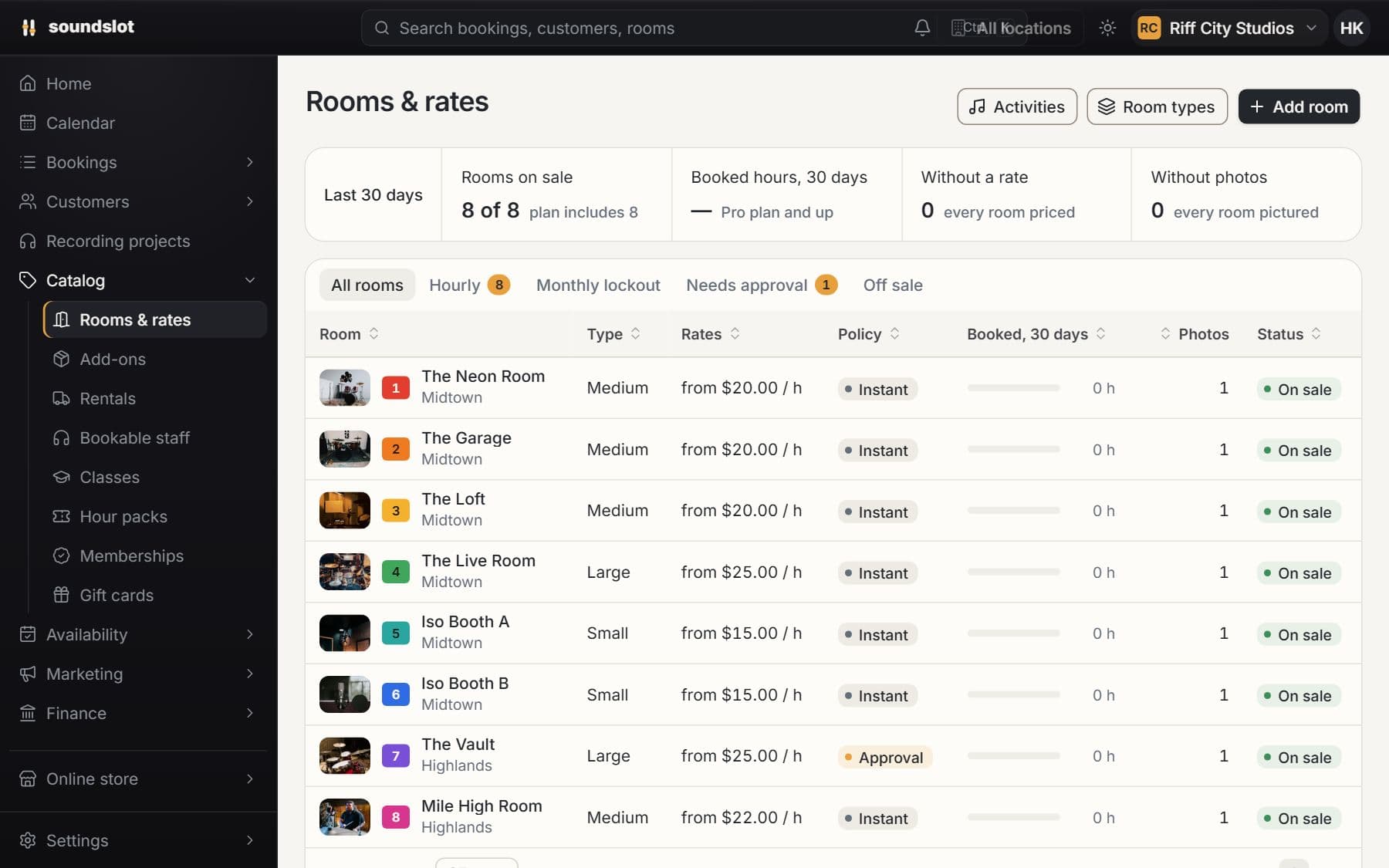
Give rehearsal, recording and other activities different prices in the same room. Configure rate plans instead of creating a separate room for each activity.
Set minimum booking durations, booking increments, advance-booking rules and turnover time. Use closures to remove dates or periods from sale.
Configure peak windows and rates. A session spanning different price periods is calculated from the time in each period.
Times follow the location's timezone. Updating a rate does not retroactively reprice sessions already booked.
Compare plansReserve a regular room and time for a customer. Soundslot generates the individual sessions and keeps them linked to the recurring arrangement.
Choose the customer, room, start date and weekly schedule.
Soundslot generates bookings ahead of time and reports conflicts that prevent an occurrence from being created.
Review a failed charge or an individual cancellation from its booking; use the series controls for the ongoing arrangement.
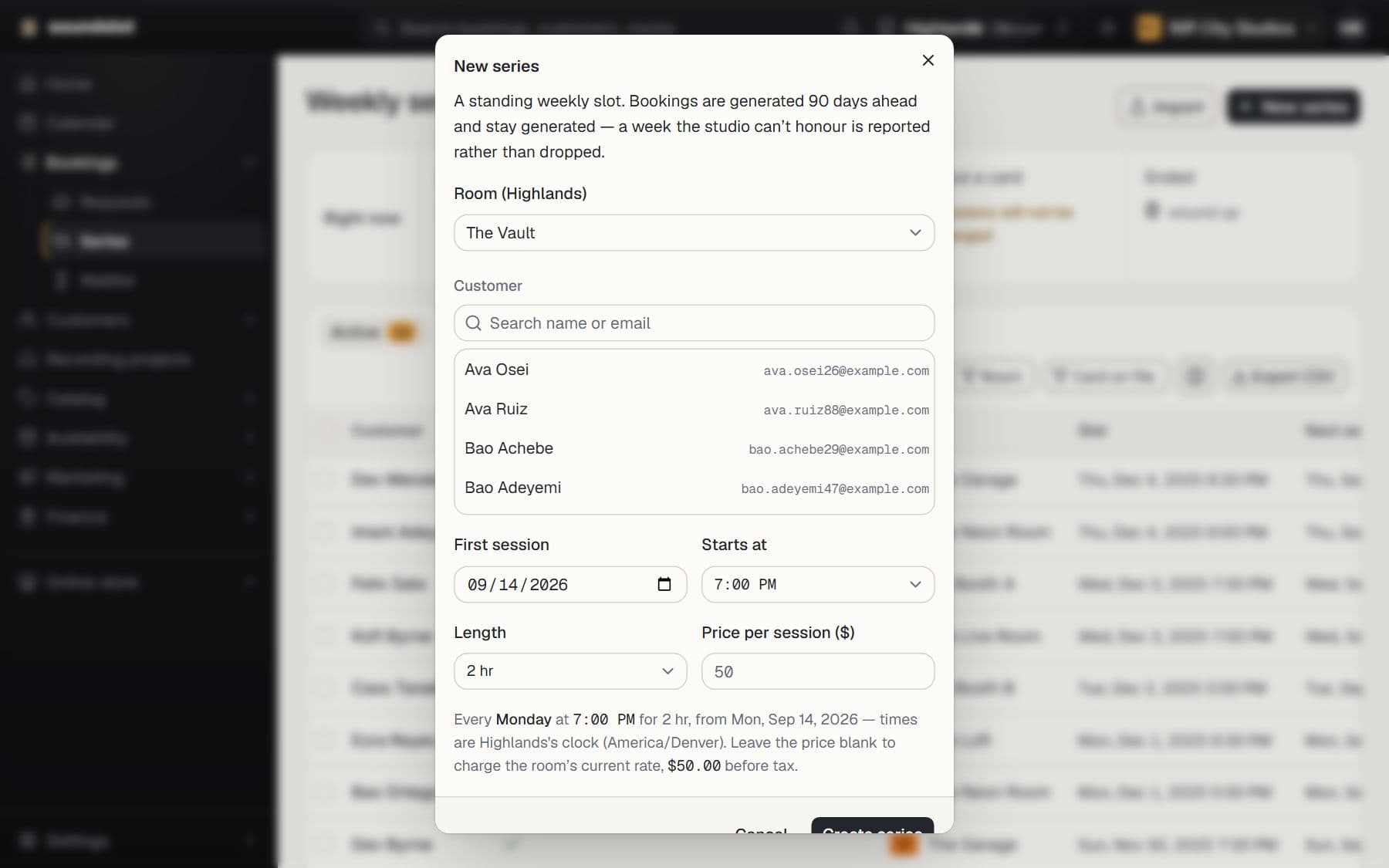
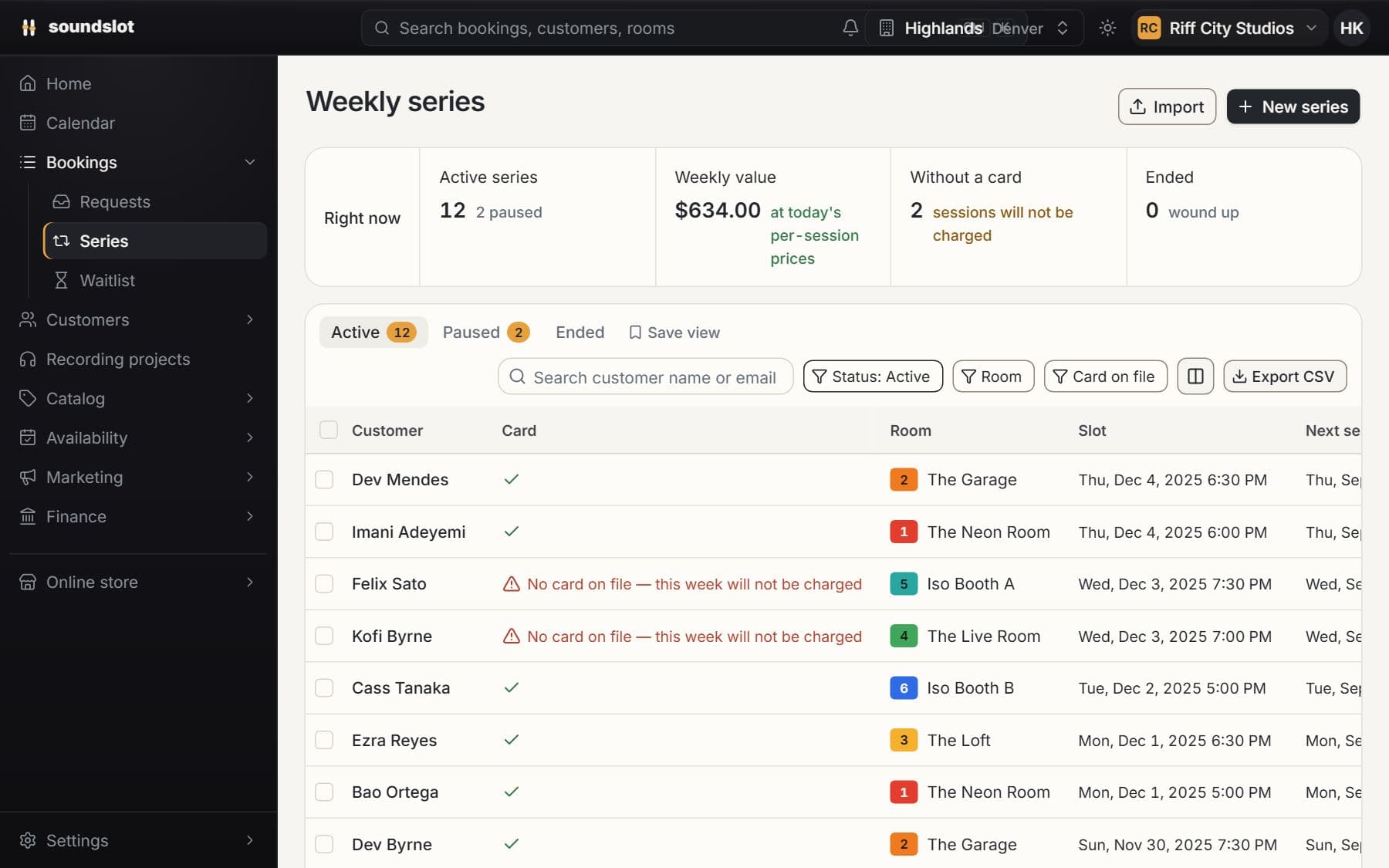
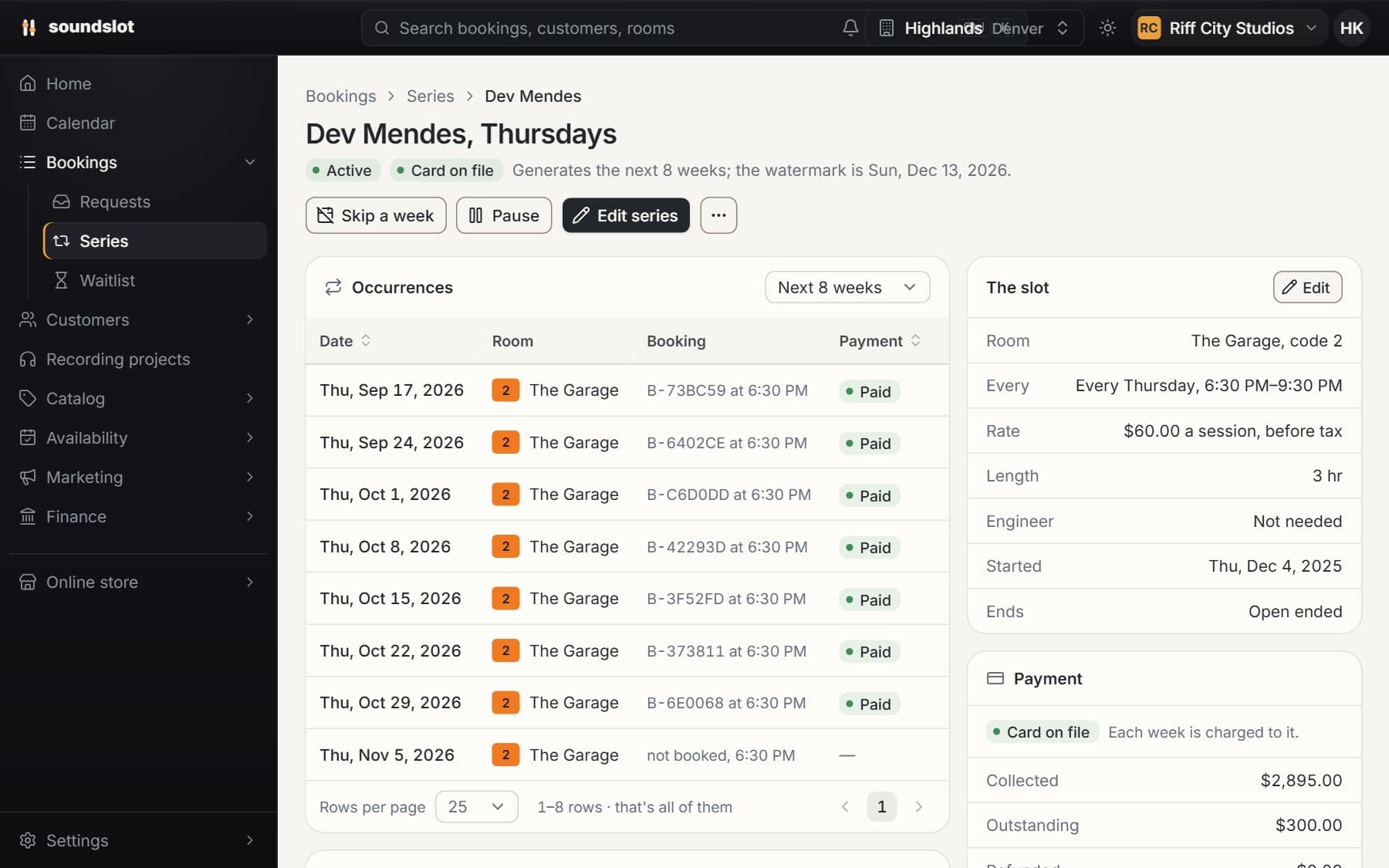
Choose the room, customer, weekly time and duration. A series can include a bookable staff member when that feature is available.
Generated sessions appear as normal bookings on the calendar and customer account, with their own payments and notifications.
Manage the series when the regular arrangement changes, or work with a single occurrence when one rehearsal needs different treatment.
Automatic collection requires a usable saved payment method. A recurring series does not guarantee that every requested occurrence is free of conflicts.
Compare plansChoose what customers pay at booking and how cancellations are refunded. Set studio defaults and different payment policies for individual rooms.
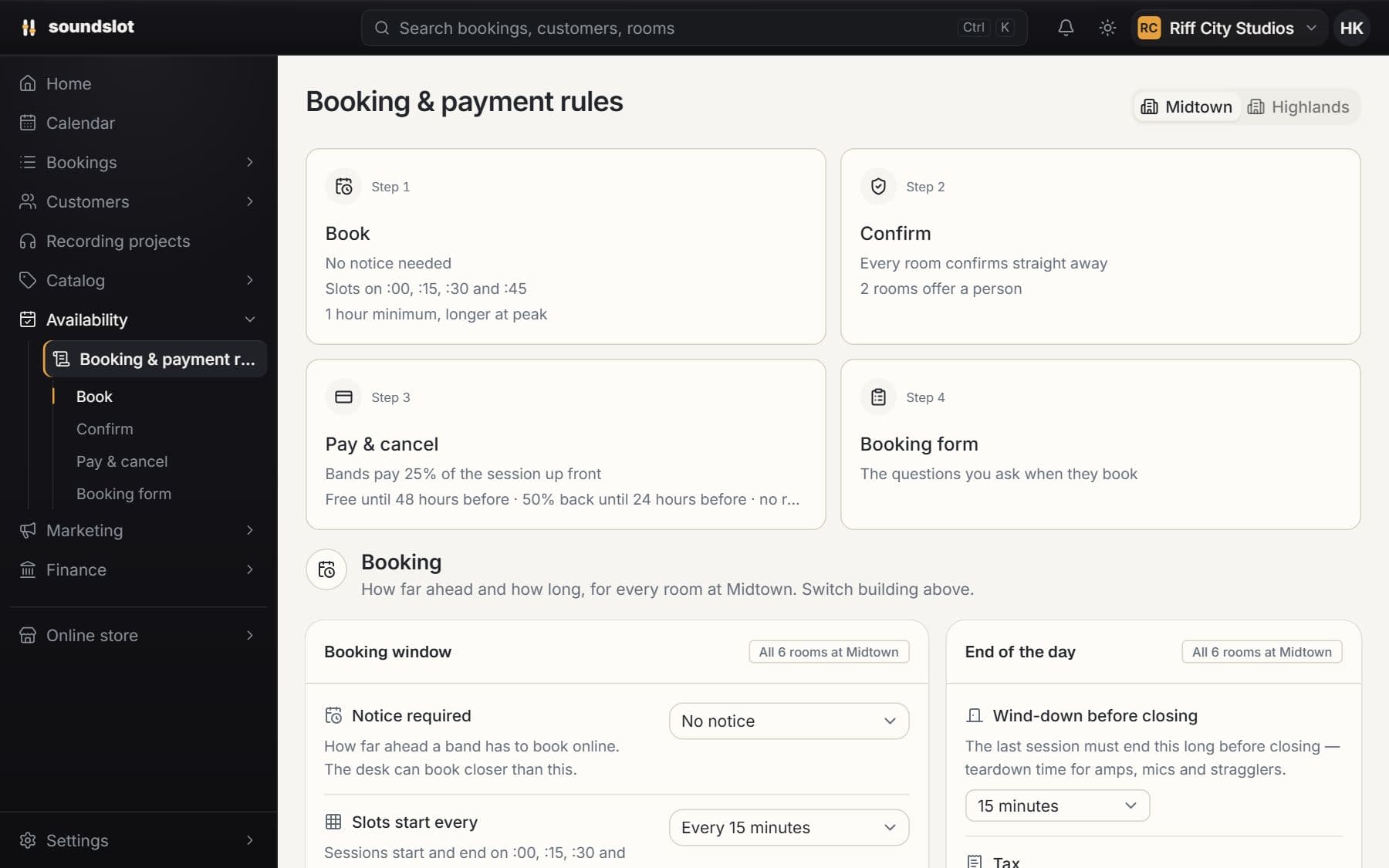
Require staff approval for selected rooms. Review booking requests, confirm the sessions you accept and decline requests that do not fit your studio.
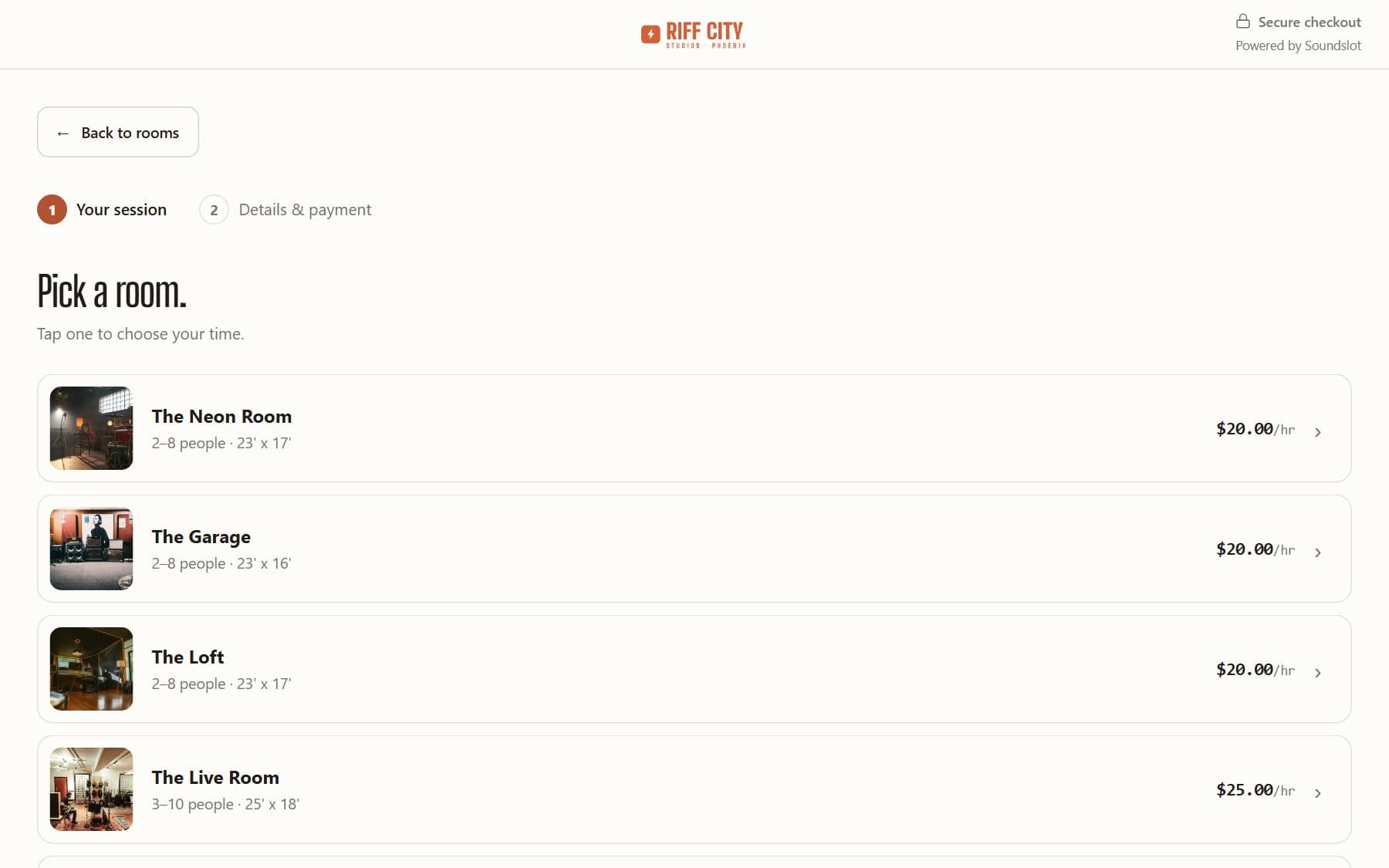
Let customers register interest in unavailable times. When a matching opening appears, send them a link back to the booking page.
Ask for the information your studio needs when a session is booked. Configure required answers, audience visibility and policy documents.
Give a customer a monthly room tenancy. Store the start date and monthly price, bill the saved card and manage the tenancy alongside hourly sessions.
Bring your rooms, rates and questions. We'll walk through the features you'd use.
From $39/mo · 14 days free · card required · nothing charged until day 15